
Your mail, your server.
Nothing in between.
JMapper Mail is a native email client for modern mail servers. It speaks JMAP, signs you in with your own identity provider and never sees a password. No trackers, no ads, no middleman.
Free · No account with us · Try the built-in demo without a mail server · Requirements
 by Rößner Network Solutions
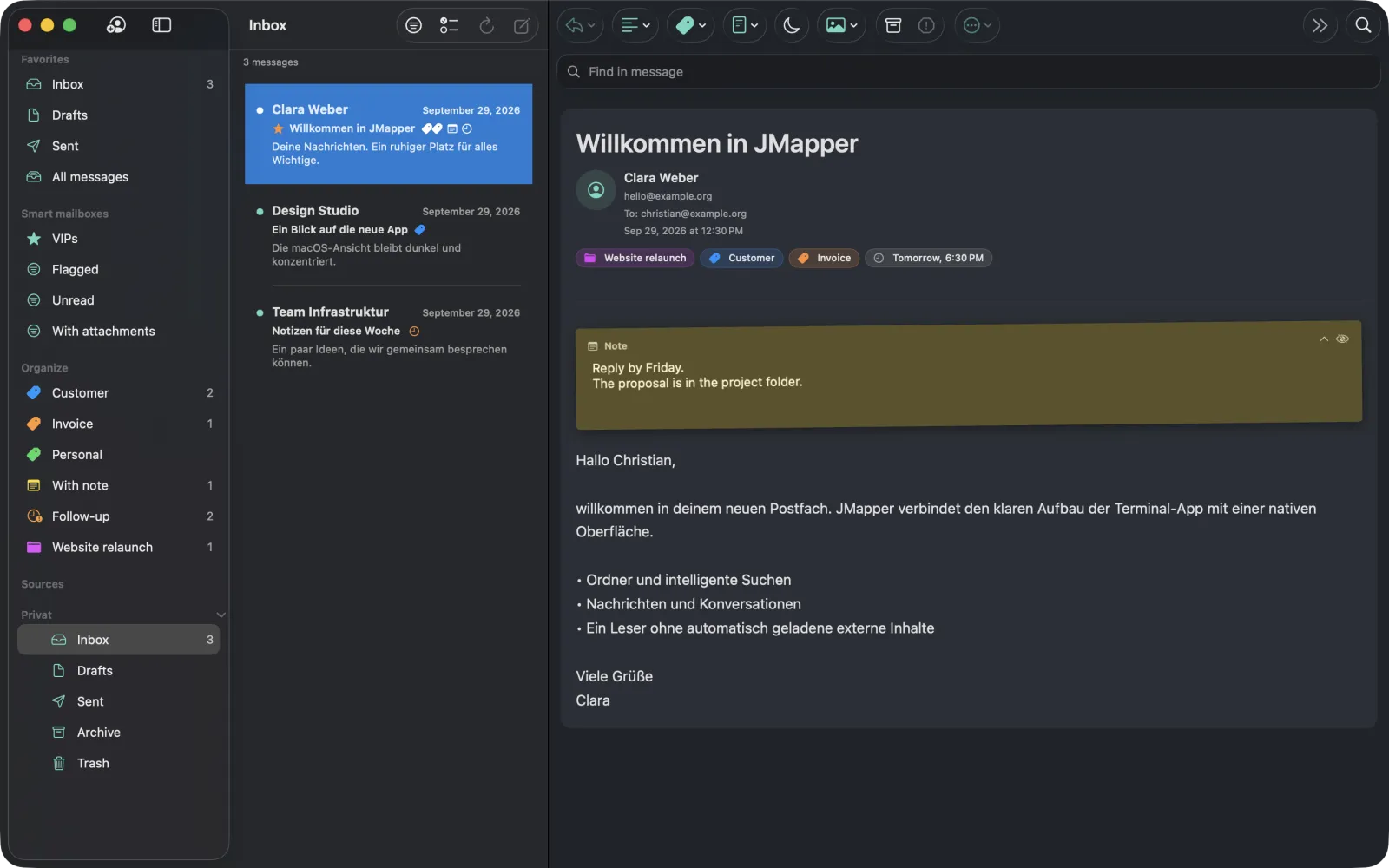
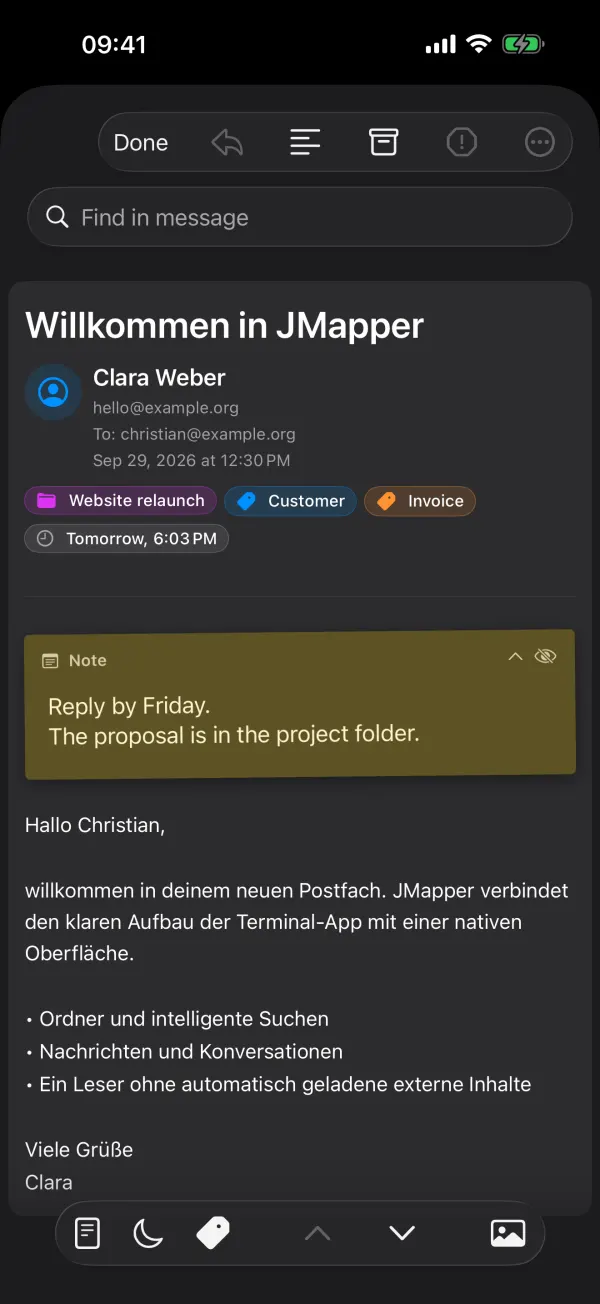
- Native SwiftUI
- JMAP · RFC 8620 / 8621
- OpenID Connect with PKCE
- OpenPGP & S/MIME
- End-to-end encrypted iCloud sync
- Eight languages
How sign-in works
Your identity provider signs you in. JMapper never sees a password.
Enter your address, JMapper discovers your server and registers itself with your identity provider. You sign in in the system browser, with whatever multi-factor method your provider asks for, and JMapper receives a token it keeps in the keychain.
On your device
JMapper Mail
- you@example.org
- autodiscovery
- tokens in keychain
- local cache
Your provider
OpenID Connect
- dynamic registration
- PKCE · S256
- MFA
- refresh tokens
Your server
JMAP
- mail · mailboxes
- submission
- push · Sieve
- quotas · sharing
No password field. No IMAP fallback. No server of ours your mail passes through.
What you get
Fast like a native app. Careful like a security tool.
JMapper keeps a local state of your mailboxes, so folders open instantly and only what changed is synced. Everything that leaves the device does so on purpose.
Organize mail the way you think
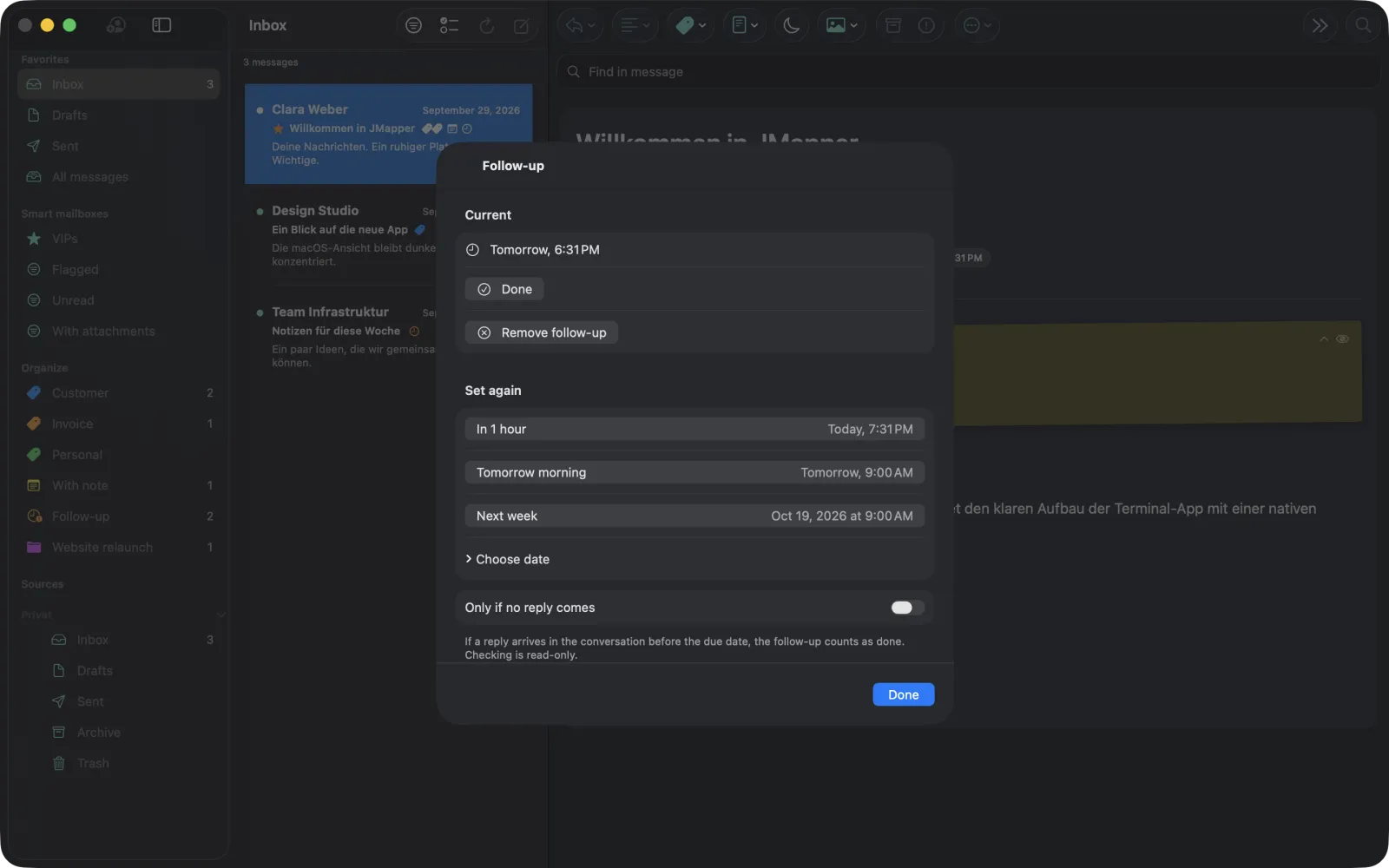
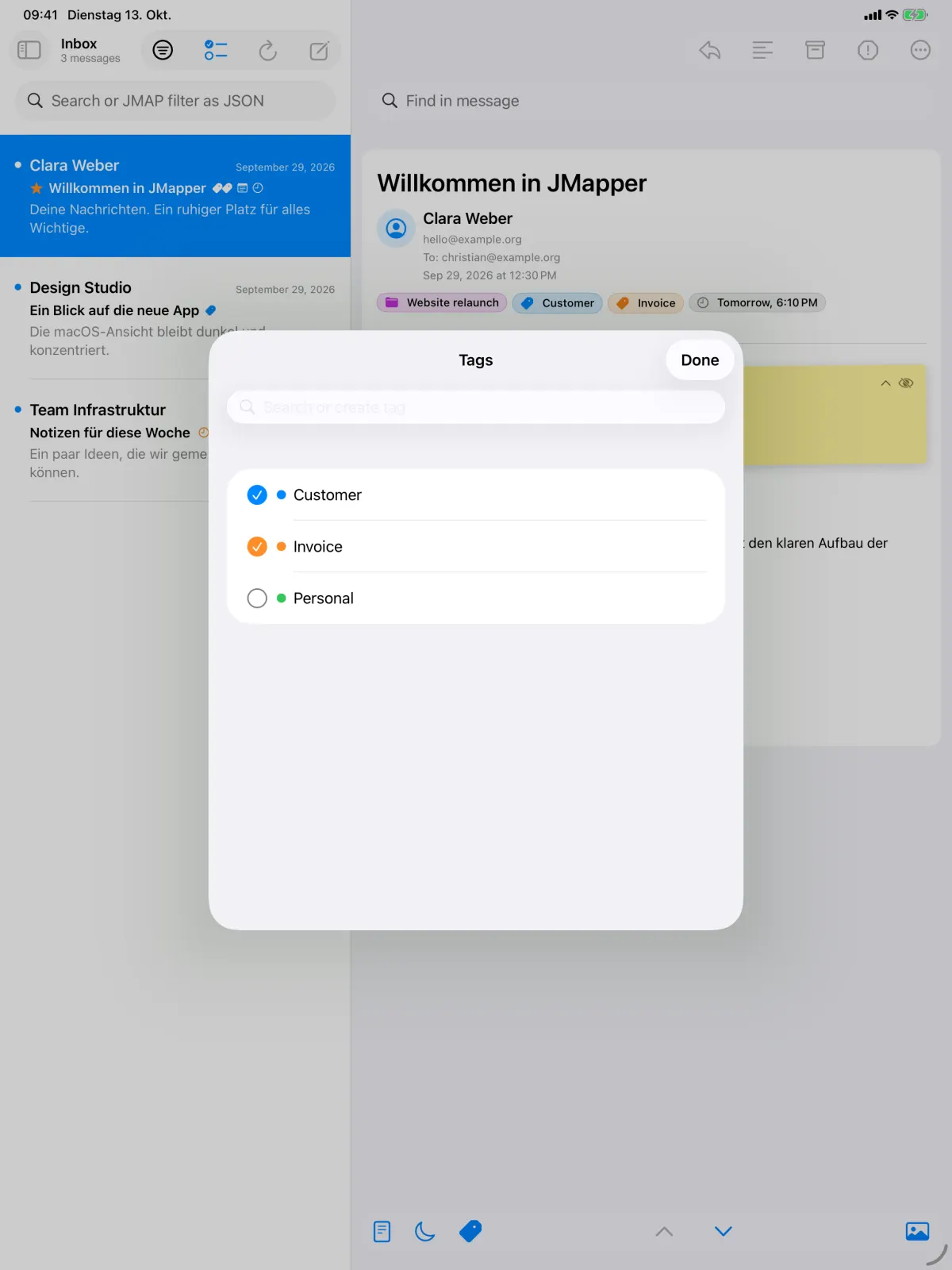
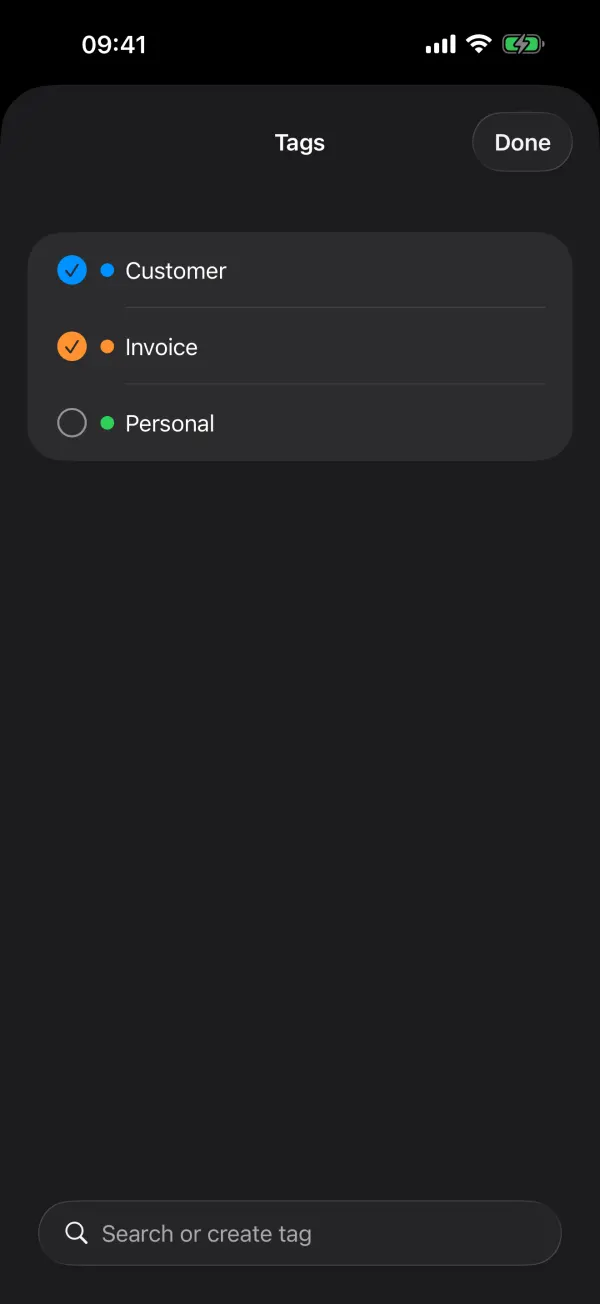
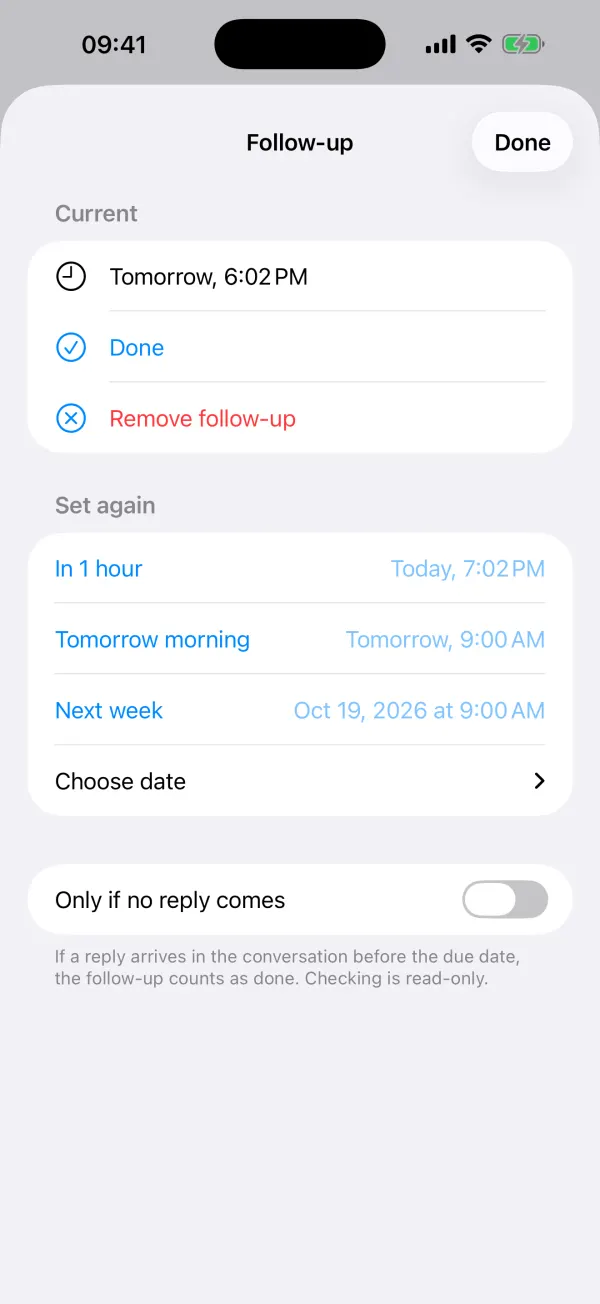
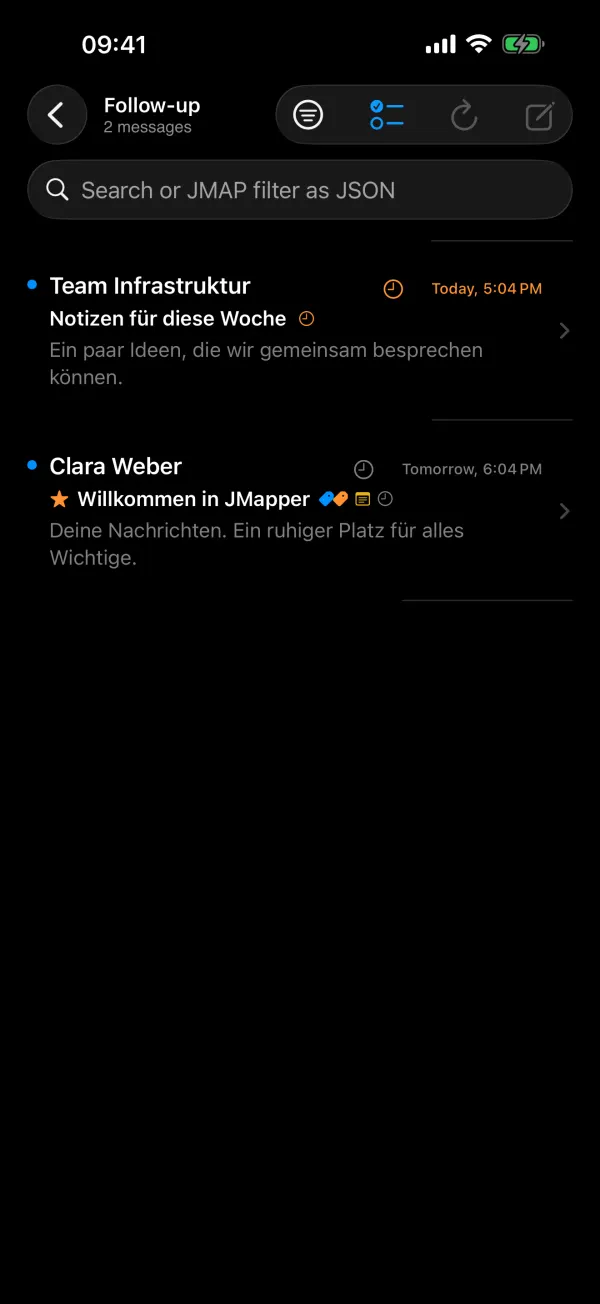
Colored tags, sticky notes on messages, follow-ups with reminders, projects across folders and snippets with abbreviations. The organizer is synced through your private iCloud, end-to-end encrypted.
- Follow-ups that only remind you if nobody replied
- Projects that group messages from any mailbox
- Rules that tag new mail and add it to a project
Encryption that tells you what it is doing
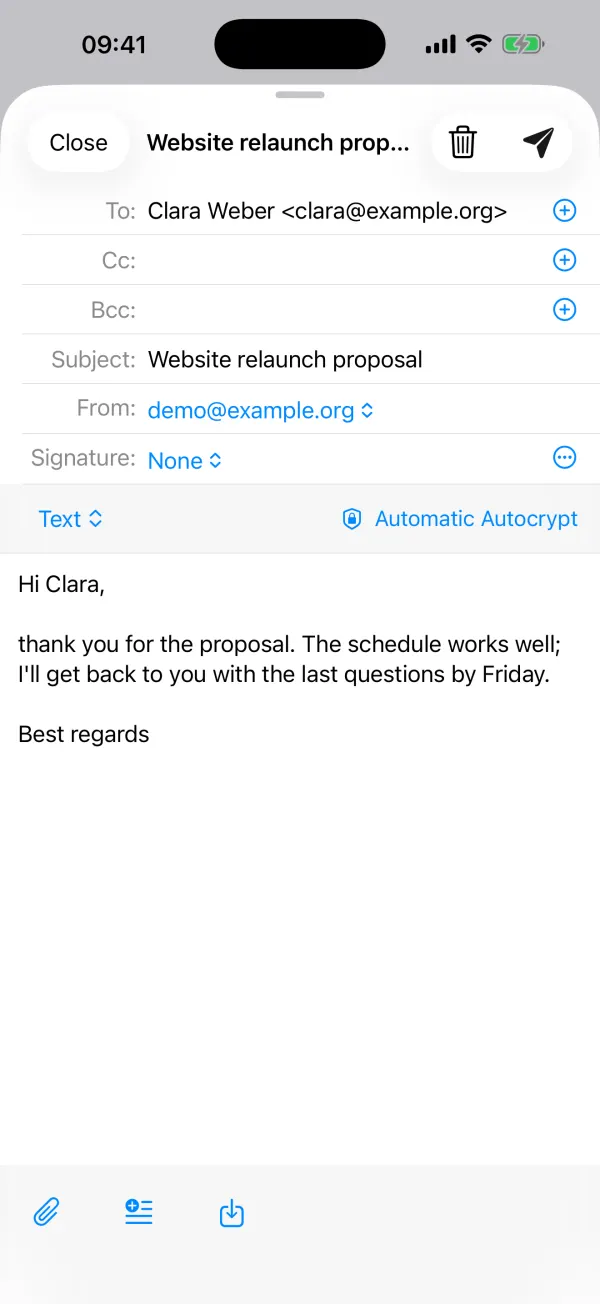
OpenPGP with Autocrypt and S/MIME are built in. JMapper looks up keys in the recipient's Web Key Directory and on keys.openpgp.org, and warns you when a known key changes.
- Protected subject lines and encrypted ZIP attachments
- HTML mail without scripts, remote images only with your consent
- Sign-in with your provider's multi-factor authentication


Writing without regrets
Delayed sending gives you Undo Send, and scheduled delivery sends later. Drafts live on the server and can be minimised like in Apple Mail, so you can look something up while you write.
- Sender identities and aliases from your server
- Snippets you expand by typing
;;and their abbreviation - A Live Activity while a delayed message is waiting
And more
Everything your JMAP server can do, in one place.
Conversations & smart mailboxes
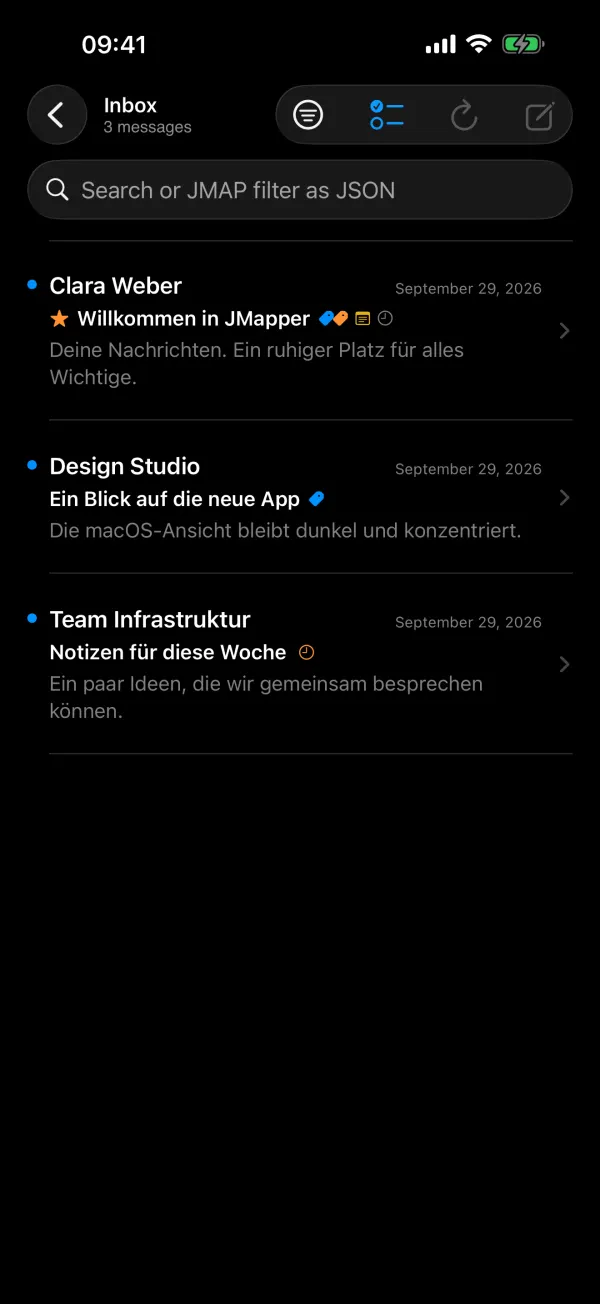
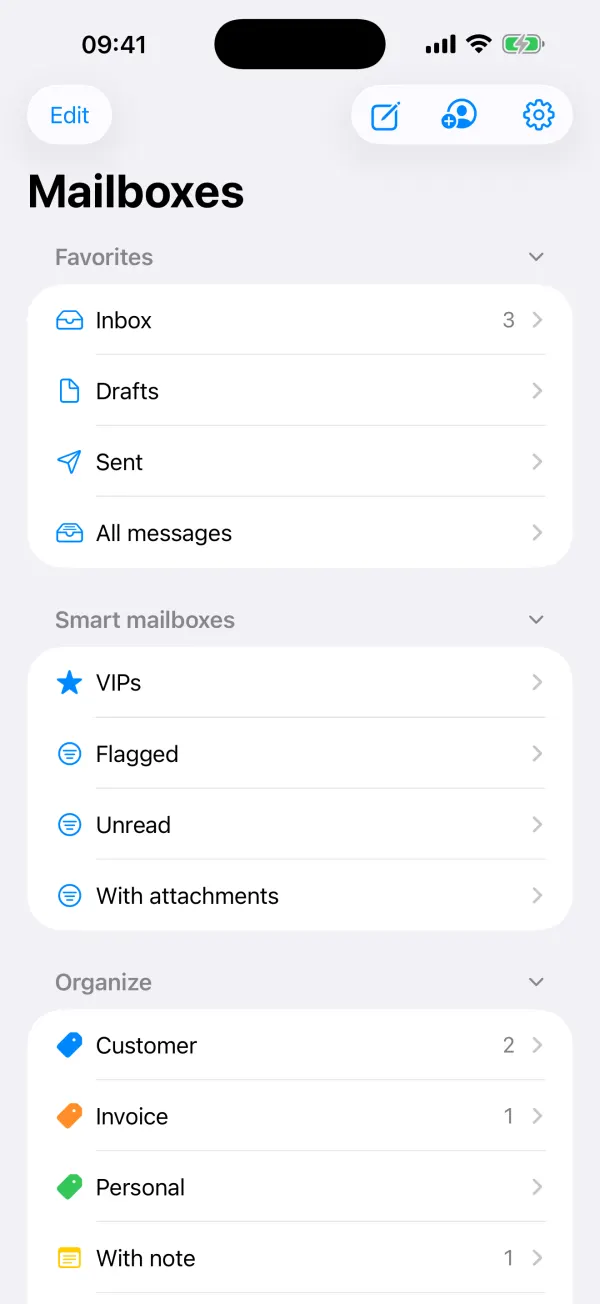
Threads, VIPs, flagged, unread, attachments, and search with JMAP filters when you need precision.
Sieve filters
Build server-side filter rules visually or edit the script directly. The vacation response is one tap away.
Shared folders & quotas
JMapper honors mailbox rights and shows how much storage you have left.
Push on iPhone & iPad
Optional new-mail notifications through your own server, with encrypted payloads end to end.
Widgets & quick actions
Unread mail on the Home and Lock Screen, Shortcuts actions, and quick actions on the app icon.
Mac, iPad and iPhone
A native layout on every device, with single-key shortcuts on the Mac and swipe actions on iPhone and iPad.
Take a look
Light, dark, and everything in between.
Before you install
Built for modern mail servers.
JMapper deliberately supports one protocol stack and does it properly. Your provider or administrator can tell you whether your account qualifies.
What your server needs
- JMAP for mail (RFC 8620 and RFC 8621)
- Sign-in with OpenID Connect
- Dynamic Client Registration (RFC 7591) and PKCE at the identity provider
IMAP and password sign-in are intentionally not supported.
Private by design
We run no servers your mail passes through, and we collect no usage, analytics or advertising data. The only service we operate is the optional push gateway, which forwards encrypted notifications it cannot read.
Try it now
No server yet? Open the demo.
Choose “View Demo – No Account” on the sign-in screen to explore JMapper with sample mail, tags and follow-ups. Nothing is sent anywhere.